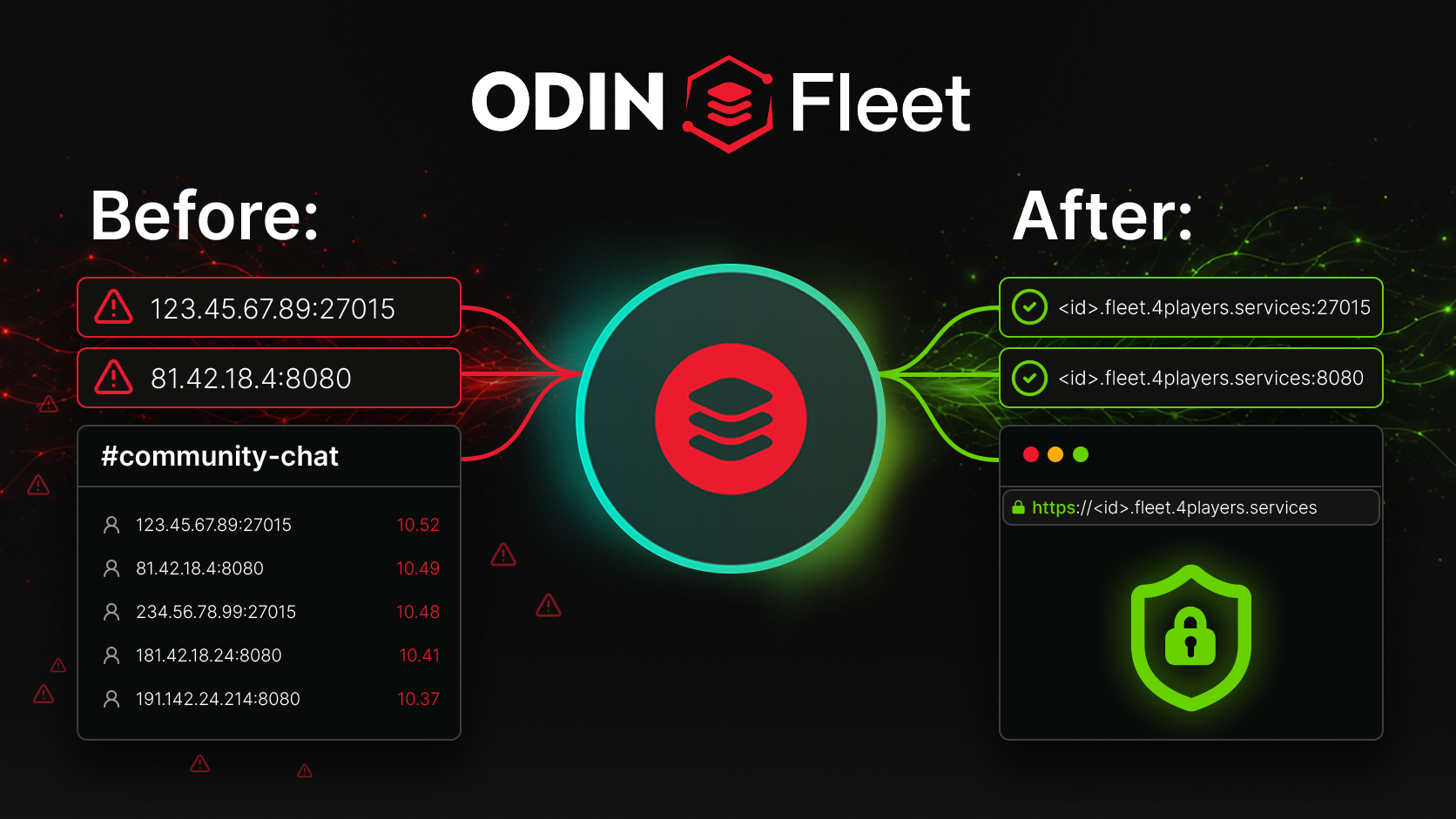
In our first post , we showed how Fleet DNS simplifies everyday tasks for teams and communities. Now, let’s dive into the technical details on how you can configure it for maximum flexibility.
IP addresses and ports are a nightmare for teams. Players forget the ports, testers share incorrect links, and communities document non-professional addresses. To eliminate this technical hassle, we have integrated DNS into ODIN Fleet. This makes your services easier to access, safer and easier to manage.
The Foundation: DNS per Port
Fleet DNS doesn’t follow the “one address for everything” principle. Instead, you configure each port individually. You decide whether to enable DNS for a port, to mark it as private so it isn’t published directly via IP:Port and, for HTTP-based TCP ports, which HTTP configuration to use: HTTP, HTTP+HTTPS or HTTPS-Redirect. Fleet DNS supports both TCP and UDP ports:
- DNS per Port (for TCP): For HTTP-based TCP ports, such as those used by web interfaces or dashboards, Fleet DNS provides a clean hostname without a port number (e.g., https://
.fleet.4players.services). This is ideal for web services where users expect a simple, port-free URL. - Service DNS (for UDP and optionally TCP): For UDP-based services, such as game servers, Fleet DNS generates an address including the port (e.g.,
.fleet.4players.services:27015). This ensures UDP services, which traditionally rely on direct IP:Port access, can also benefit from a structured, shareable address. Service DNS can also be used for TCP ports if you need to maintain consistency in your addressing scheme. The result? A structured collection of ports, each with a tailored configuration. The assigned hostname remains consistent, and you can reconfigure the service in ServerConfig anytime.
Private Admin Tools
Admin panels are a classic example of endpoints that should be reachable, but not publicly visible as 123.45.67.89:8080. Fleet DNS solves this elegantly: Enable DNS for the port and set it to Private. The endpoint is only reachable via the Fleet DNS address, not directly via IP:Port. This reduces the attack surface and ensures that clients must access the service through its Fleet DNS endpoint instead of connecting directly via IP address and port. HTTPS adds encryption, protecting data in transit—a critical advantage over unencrypted HTTP.
Multiple Endpoints per Server
A game server deployment may expose multiple endpoints for different purposes:
- Game port for players (UDP:
.fleet.4players.services:27015) - Web dashboard for admins (TCP: https://
.fleet.4players.services) - API for tools (TCP)
- Status page for monitoring (TCP) Without Fleet DNS, this quickly turns into a tangled mess of ports and protocols. With Fleet DNS, each endpoint is individually configured. Each endpoint has its place – and its rules.
Technical Details: What You Need to Know
HTTP Configurations
Fleet DNS offers three HTTP configurations for web-based services, each designed to meet specific security and accessibility requirements:
HTTP Mode
Ideal for internal or development environments where encryption isn’t a priority. The service is accessible via a standard HTTP connection (e.g., http://
HTTP+HTTPS Mode
Supports both HTTP and HTTPS simultaneously. This is useful for services that need to accommodate legacy clients or systems that don’t yet support HTTPS. The service is accessible via both http:// and https:// (e.g., http://
HTTPS-Redirect Mode
Automatically redirects all HTTP traffic to HTTPS, ensuring that all connections are encrypted. This is the recommended mode for production environments where security is a priority. Users accessing http://
Private Ports
Private ports are a key feature for enhancing security. When enabled, a port marked as Private in the ServerConfig:
- Blocks direct IP:Port access: The port is no longer accessible via the server’s IP address and port number (e.g., 123.45.67.89:8080).
- Exposes the service only through its Fleet DNS endpoint: The port can only be accessed via its Fleet DNS address (e.g.,
.fleet.4players.services). - Reduces direct exposure: By eliminating direct IP:Port access, you reduce exposure to generic port scans and direct connection attempts. It’s important to note that Private Ports are not a substitute for authentication or a firewall. They provide an additional layer of obscurity but should be used in conjunction with other security measures, such as strong passwords, firewalls, and regular security audits.
Service DNS
Service DNS is primarily intended for UDP-based services, such as game servers, but can also be used for TCP ports if needed:
- Address + Port Format: When Service DNS is enabled for a port, it provides a hostname that clients use together with the service port, for example
.fleet.4players.services:27015. - UDP Support: Service DNS provides UDP-based services, such as game servers, with a stable and shareable hostname that clients use together with the service port.
- TCP Compatibility: While Service DNS is particularly useful for UDP, it can also be applied to TCP ports if you need to maintain consistency in your addressing scheme.
Stability and Flexibility
Fleet DNS is designed to be both stable and flexible:
- Stability: The DNS address for a service remains consistent during updates and maintenance. This means you can rely on the same address for as long as the service is running without interruption.
- Flexibility: Reconfigure services in the ServerConfig any time. Whether you need to change the port, switch HTTP configurations or adjust privacy settings, Fleet DNS adapts to your needs without downtime.
- Complex Updates: Even during complex service updates, Service or Port DNS remain constant. This ensures that your users and systems can continue to access the service without disruption.
Conclusion: Control Over Compromise
Fleet DNS isn’t just a feature. It’s a tool that gives you precise control over accessibility and security. You decide how each port and service is reachable. More control. Less hassle.